
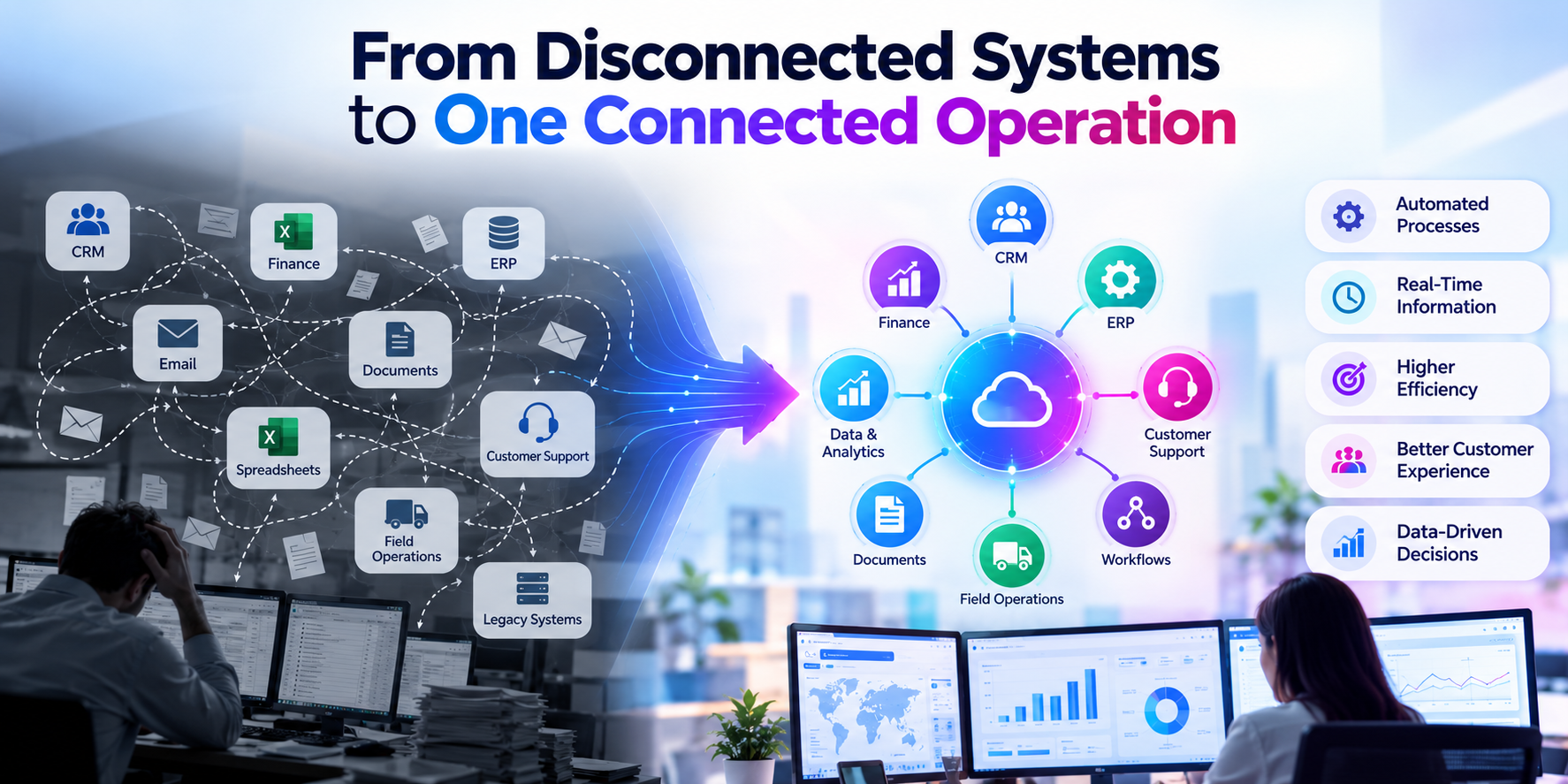
From Disconnected Systems to One Connected Operation
Connect Systems. Automate Processes. Improve Operational Efficiency.
Client Profile
Industry: Wholesale Distribution
Company Size: ~110 employees
Environment: ERP + CRM + Microsoft 365 + E-commerce + Shipping & Finance Systems
Business Model: B2B distribution with growing digital sales
The company had invested in several business applications as it grew. Each system worked well independently—but they weren’t working well together.
Customer information lived in the CRM.
Orders were processed through the ERP.
E-commerce operated separately.
Shipping had its own system.
Finance maintained additional information.
And employees were filling the gaps.
What They Wanted to Achieve
The company wanted to:
- Connect its core business systems
- Eliminate duplicate data entry
- Automate repetitive processes
- Improve order and customer visibility
- Reduce manual errors
- Accelerate order processing
- Improve customer response times
- Give employees a single view of critical information
- Create a scalable operating model for growth
Their objective
Make information flow automatically across the business—without people having to move it manually.
The Challenges
Disconnected Systems
CRM, ERP, e-commerce, shipping, and finance systems operated independently.
Duplicate Data Entry
Employees frequently entered the same customer and order information into multiple systems.
Manual Handoffs
A completed action in one system often triggered an email or spreadsheet task for someone in another department.
Limited Visibility
Employees couldn’t always see the complete status of a customer, order, shipment, or financial transaction from one place.
Slow Processes
Orders and requests could sit waiting for someone to manually move them to the next step.
Human Error
Manual copying and reconciliation increased the possibility of incorrect customer information, order details, and status updates.
Growth Was Increasing the Problem
As order volume and customer activity increased, the company needed more people simply to manage the increasing administrative workload.
How OJASVI Advised the Client
We Didn’t Start by Connecting Everything to Everything.
That usually creates a beautiful mess.
OJASVI first mapped the client’s critical business processes from beginning to end:
Customer → Quote → Order → Fulfillment → Shipment → Invoice → Customer Follow-Up
We identified where:
- Information was being entered repeatedly
- Employees were waiting for other teams
- Emails were triggering manual tasks
- Data was being reconciled
- Decisions could be automated
- Systems needed to exchange information
We then prioritized integrations based on:
Business impact + transaction volume + manual effort + automation opportunity
The Recommended Solution
An Integration & Intelligent Automation Layer
OJASVI designed a connected architecture using APIs, workflow automation, business rules, and Microsoft technologies where appropriate.
CRM ↔ ERP
Customer and account information could flow between systems, reducing duplicate entry and improving consistency.
E-Commerce ↔ ERP
Online orders were automatically transferred into the appropriate business workflow.
ERP ↔ Shipping
Order status and fulfillment information could flow between systems automatically.
ERP ↔ Finance
Relevant transaction information was made available to financial workflows without repeated manual entry.
Microsoft 365 / Teams
Notifications and workflow actions were brought into the tools employees already used.
Intelligent Automation
Integration was only part of the solution.
OJASVI introduced automation around the information moving between systems.
Automated Routing
Transactions were automatically directed to the appropriate process or team.
Business Rules
Rules determined what should happen based on order value, customer type, product, status, or other business conditions.
Exception Handling
Instead of requiring people to review everything, the system identified transactions that actually needed human attention.
Automated Notifications
Teams were notified when action was required rather than manually checking systems.
Data Validation
Information could be validated before being passed to the next system.
Workflow Tracking
Management could see where transactions were in the process and identify bottlenecks.
What OJASVI Was Able to Solve
Disconnected Systems
→ Created automated information flows between critical business applications.
Duplicate Data Entry
→ Reduced repeated manual entry.
Manual Handoffs
→ Automated movement of work between departments.
Slow Approvals
→ Introduced automated routing and notifications.
Data Inconsistency
→ Improved synchronization between systems.
Limited Visibility
→ Created a more connected view of business activity.
Operational Bottlenecks
→ Identified and automated high-volume process steps.
Scaling Challenges
→ Allowed transaction volume to increase without requiring proportional administrative headcount.

A Typical Process Transformation
BEFORE
Customer places order
↓
Employee checks e-commerce system
↓
Copies order into ERP
↓
Emails fulfillment team
↓
Fulfillment updates spreadsheet
↓
Shipping receives information
↓
Employee updates CRM
↓
Finance receives notification
↓
Customer service checks status manually
AFTER
Order Received
↓
Automatically validated
↓
ERP order created
↓
Fulfillment notified
↓
Shipping workflow triggered
↓
CRM updated
↓
Customer status updated
↓
Finance workflow triggered
The process moves. People intervene only when their judgment is needed.
The Time Savings
For an SMB processing a significant volume of orders and customer transactions, the cumulative impact of small manual tasks can be substantial.
Illustrative Impact
Activity | Before | After | Potential Time Recovered |
Duplicate data entry | 35 hrs/month | 10 hrs | 25 hrs |
Order/status coordination | 28 hrs | 8 hrs | 20 hrs |
Manual notifications | 15 hrs | 3 hrs | 12 hrs |
Data reconciliation | 22 hrs | 7 hrs | 15 hrs |
Exception/status reporting | 18 hrs | 6 hrs | 12 hrs |
Total | 118 hrs/month | 34 hrs | ~84 hrs/month |
Potential capacity recovered: ~1,000 hours per year
Illustrative scenario; actual savings depend on transaction volume, system complexity, process design, and automation scope.
But Time Wasn’t the Biggest Win
The company didn’t simply save administrative hours.
It changed where people spent their time.
Instead of:
Copying data
Checking systems
Sending reminders
Reconciling records
Updating spreadsheets
employees could focus on:
Customers
Sales
Supplier relationships
Problem solving
Process improvement
Business growth
People stopped being the connection between systems.
The systems became the connection.
How It Supported Growth
The company could increase:
Customers
Orders
Transactions
Products
Sales channels
without increasing administrative workload at the same rate.
The integration layer also created a foundation for future capabilities such as:
AI-powered document processing
Predictive analytics
Intelligent customer service
Automated forecasting
Advanced Power BI reporting
AI-assisted exception management
Integration became the foundation for intelligent operations.
Business Value
Simplify
Fewer disconnected processes and fewer manual handoffs.
Accelerate
Move information and transactions faster across the organization.
Improve Accuracy
Reduce errors caused by repetitive data entry.
Increase Visibility
Give teams better access to current business information.
Free Employees
Shift people away from repetitive administrative work.
Scale Efficiently
Increase business volume without proportionally increasing operational overhead.
Create a Foundation for AI
Clean, connected, accessible data provides a stronger foundation for future intelligent automation.
The OJASVI Difference
We Don’t Just Integrate Systems. We Redesign How Work Moves.
Our approach is:
Discover → Map → Connect → Automate → Measure → Optimize
We identify where systems should communicate, where workflows should be automated, and where human judgment still adds value.
The goal isn’t to remove people from the process.
It’s to remove people from the parts of the process that don’t need them.